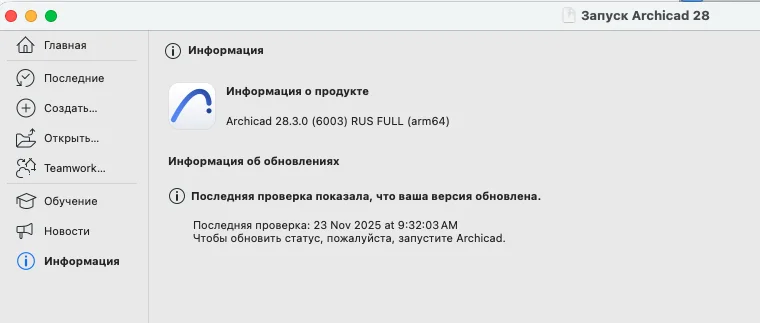
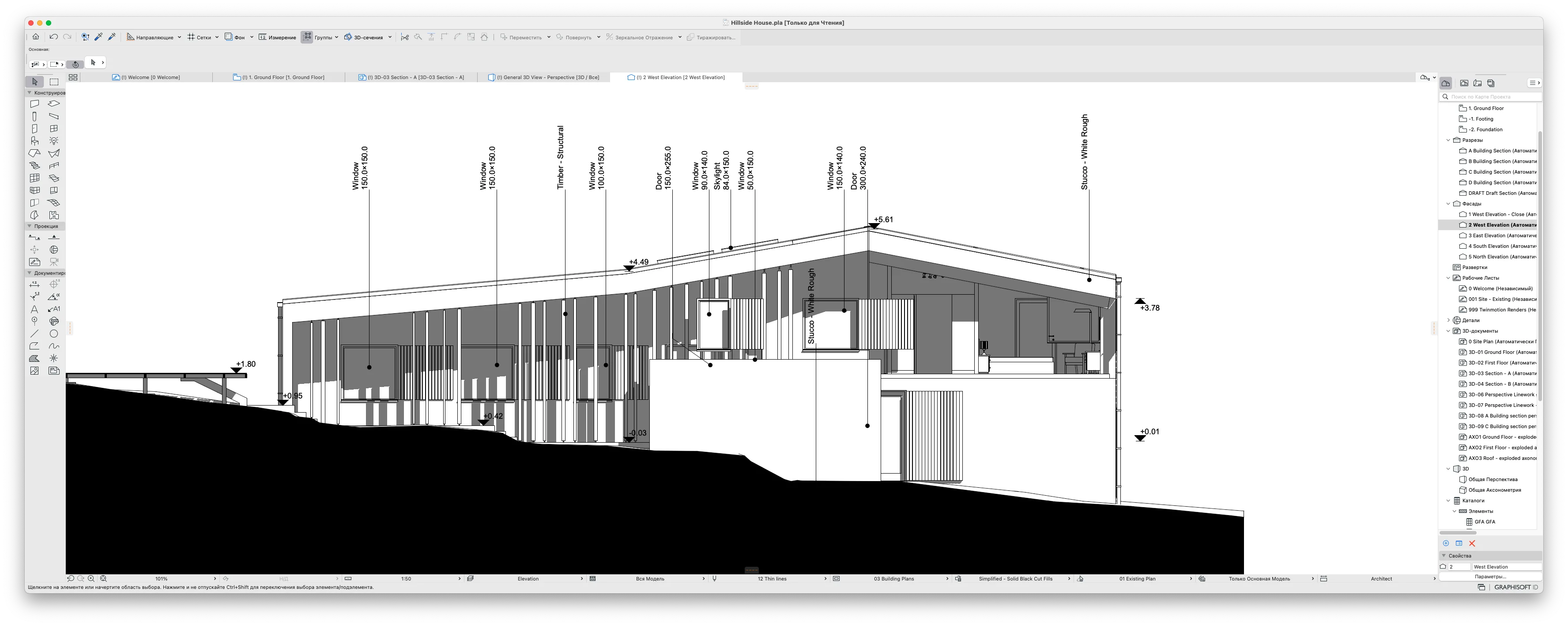
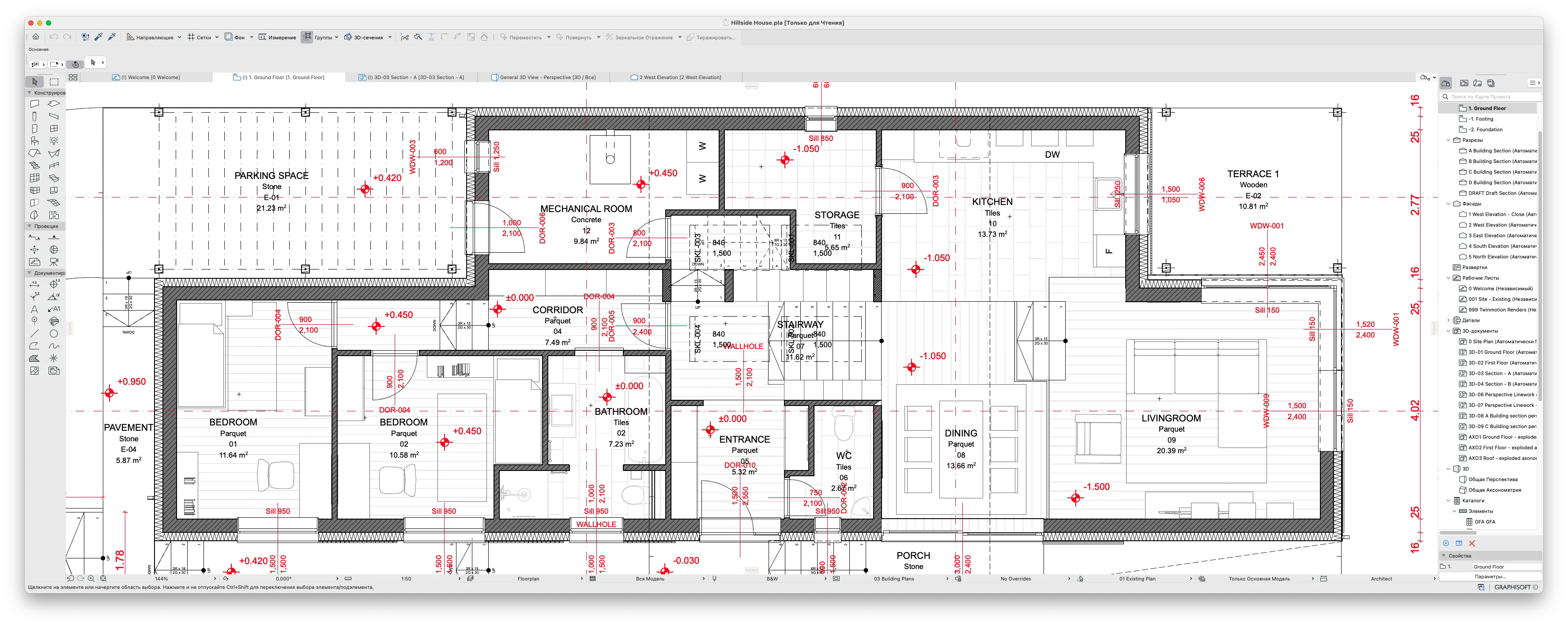
ArchiCAD 29 არის უახლესი და ყველაზე მძლავრი მოდელირების აპლიკაცია, რომელიც არქიტექტორებს სთავაზობს სრულიად ახალ შესაძლებლობებს Virtual Building ტექნოლოგიის მეშვეობით. ეს ვერსია გამოირჩევა ხელოვნური ინტელექტის (AI) ასისტენტებით, რომლებიც გეხმარებათ დიზაინის ოპტიმიზაციაში, რუტინული სამუშაოს ავტომატიზაციასა და მაღალი ხარისხის ვიზუალიზაციაში. ArchiCAD 29-თან ერთად, თქვენი შემოქმედებითი თავისუფლება საზღვრებს სცდება, ხოლო გუნდური მუშაობა და მონაცემთა გაცვლა ხდება უფრო სწრაფი და დაცული.
დატოვეთ კომენტარი
კოდის განახლება
  1. Nikoloz_Gelashvili
    Nikoloz_Gelashvili 10 აპრილი 2026 12:51

    სამწუხაროდ მაკზე არ ყენდება

    0
    1. admin
      admin 11 აპრილი 2026 01:38

      რა პროცესორი აქვს თქვენს მაკს?

      0
  2. Ramzes
    Ramzes 10 მაი 2026 17:32
    К сожалению, на Mac Apple Silicon M5 не работает.
    0
    1. ꁅꃅꂦꌗ꓄
      ꁅꃅꂦꌗ꓄ 13 მაი 2026 10:59
      Hello! Running cracked software on Apple Silicon (including the new M5 chips) can sometimes be tricky due to macOS security layers. Please try the following steps to get it working: Install Rosetta 2: Even if the app is native, some components might need Rosetta. Open your Terminal and run: softwareupdate --install-rosetta Disable Gatekeeper: Your Mac might be blocking the app from running. Run this command in Terminal to allow apps from anywhere: sudo spctl --master-disable Remove Quarantine Flag: This is the most common fix for 'damaged' app errors. Run this in Terminal: sudo xattr -rd com.apple.quarantine /Applications/Archicad\ 29.app (Make sure the path matches your installation folder). Open using Rosetta: Right-click the Archicad icon, select 'Get Info', and check the box 'Open using Rosetta' if it's available. If the app still crashes, please provide the specific error message or the crash log so we can look for a more specific fix for the M5 chip!"
      0
  3. Ramzes
    Ramzes 10 მაი 2026 17:39
    Эти файлы не устанавливаются 3. Archicad v29.0.2 Hotfix ARM Patch.pkg и 4. Archicad Block Servers.pkg.
    0
    1. admin
      admin 12 მაი 2026 01:54
      Hello. Please send us the exact error text that appears when you try to install files 3 and 4. Also, please tell us your macOS version. Without the exact error message, we cannot identify the cause of the problem.
      0
  4. Ramzes
    Ramzes 28 მაი 2026 12:59
    В окне предупреждения: Вредоносный скрипт заблокирован Скрипт заблокирован, так как он содержит вредоносное ПО. Ваш Mac не поврежден. Кнопка: Готово В правом окне ошибки: Не удалось завершить операцию. (com.apple.installer.pagecontroller, ошибка -1) Не удается открыть «3. Archicad v29.0.2 Hotfix ARM Patch.pkg». Кнопка: OK
    0
  5. Ramzes
    Ramzes 28 მაი 2026 13:23
    В окне предупреждения: Вредоносный скрипт заблокирован Скрипт заблокирован, так как он содержит вредоносное ПО. Ваш Mac не поврежден.Кнопка: Готово В другом окне ошибки:Не удалось завершить операцию. (com.apple.installer.pagecontroller, ошибка -1).Не удается открыть «3. Archicad v29.0.2 Hotfix ARM Patch.pkg».Кнопка: OK
    0
  6. Ramzes
    Ramzes 28 მაი 2026 13:30
    Tahoe 26.1 моя версия macOS процессор Apple Silicon M5
    0
    1. ꁅꃅꂦꌗ꓄
      ꁅꃅꂦꌗ꓄ 28 მაი 2026 20:44
      Hi! The `error -1` and the "malicious script blocked" message mean that the macOS security system (Gatekeeper/XProtect) is blocking the installation of the `.pkg` file because it doesn't have an official Apple digital signature. > Please try the following solutions in order: > ### Method 1: Force Open (The Simplest Way) > > > 1. **Right-click** (or two-finger tap on the trackpad) on the `3. Archicad v29.0.2 Hotfix ARM Patch.pkg` file. > 2. Select **Open** from the context menu. > 3. A warning dialog will appear, but this time it should give you an option to click **Open Anyway**. Click it to proceed with the installation. > > > --- > > > ### Method 2: Clear the Quarantine Flag via Terminal > > > If the first method doesn't work, macOS has put the file in quarantine. You can clear it using Terminal: > 1. Open the **Terminal** app on your Mac. > 2. Type or paste the following command (make sure to leave a **space** at the very end): > `sudo xattr -rd com.apple.quarantine ` > 3. **Drag and drop** the `3. Archicad v29.0.2 Hotfix ARM Patch.pkg` file directly into the Terminal window (this will automatically fill in the correct file path) and press **Enter**. > 4. Terminal will ask for your Mac user password. Type it in (note: characters won't show on the screen while typing for security, just type it blindly) and press **Enter**. Then try running the installer again. > > > --- > > > ### Method 3: Temporarily Disable Gatekeeper > > > If the system is still aggressively blocking the setup, you can temporarily allow apps from anywhere: > 1. Open **Terminal** and run this command: > `sudo spctl --master-disable` > 2. Press **Enter** and input your Mac password. > 3. Go to *System Settings -> Privacy & Security*. Scroll down to the "Allow apps downloaded from" section and make sure **Anywhere** is selected. Try installing files 3 and 4 now. >
      0
EXE.GE » MAC » GRAPHISOFT ArchiCAD (29) For Apple Silicon [RUS]
EXE.GE Live Tracker

EXE.GE Live Tracker არის საიტის საკუთარი სისტემა, რომელიც რეალურ დროში ითვლის საიტზე მყოფ მომხმარებლებს.

- ონლაინში
1s განახლების სიხშირე
Redis მონაცემთა ბაზა
როგორ მუშაობს
  • საიტზე შესვლისას სისტემა გაფიქსირებს;
  • ყოველი წამის შემდეგ ხდება მთვლელის განახლება;
  • 3 წუთი უმოქმედოდ ყოფნის შემთხვევაში სესია იხურება და მთვლელს აკლდება;
ტექნიკური დეტალები
PHP 8.1 Redis Nginx Caddy SSL Ubuntu 22.04
ან